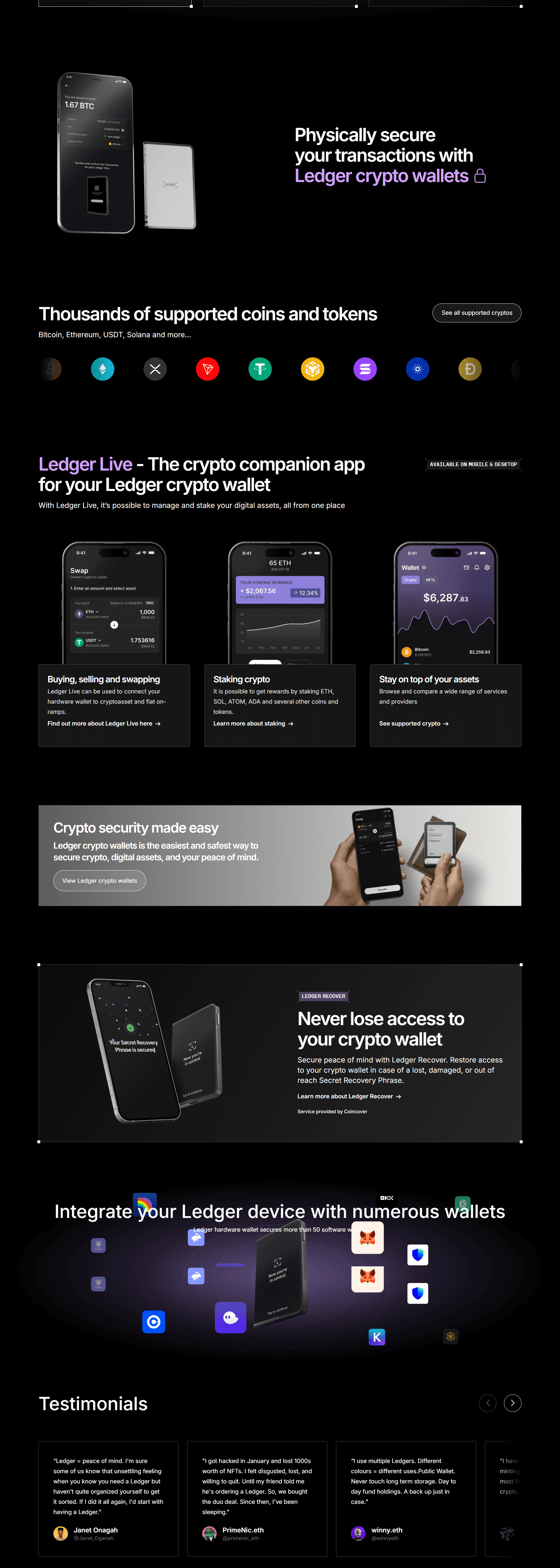
Ledger.com/start – A Safe and Official Beginning for Ledger Wallet Users
As digital currencies continue to evolve, protecting crypto assets has become one of the most important responsibilities for investors and users alike. Unlike traditional financial systems, cryptocurrency transactions cannot be reversed, and lost access often means lost funds. For this reason, secure storage is essential. Ledger hardware wallets are designed to provide strong protection by keeping private keys offline, and Ledger.com/start is the official gateway to setting up these devices correctly.
This guide explains what Ledger.com/start is, how it works, and why it is the safest way to begin using a Ledger wallet.
What Is Ledger.com/start?
Ledger.com/start is Ledger’s official setup page created specifically for initializing Ledger hardware wallets. It provides users with verified instructions, secure downloads, and guided steps to ensure that wallets are configured properly from the start.
The page supports Ledger devices such as:
Ledger Nano S Plus
Ledger Nano X
By using Ledger.com/start, users avoid unofficial software, fake setup guides, and phishing attempts that could compromise wallet security.
Why Ledger.com/start Is the Right Place to Begin
Many crypto-related security incidents occur during wallet setup, often because users unknowingly download fake applications or follow untrusted instructions. Scammers frequently copy Ledger’s branding to trick users into revealing sensitive information.
Starting at Ledger.com/start ensures that:
Ledger Live is downloaded from an authentic source
The device generates private keys offline
The wallet setup follows Ledger’s official security process
Recovery phrases remain known only to the user
Ledger does not store recovery phrases, private keys, or PIN codes and will never request them.
Things to Prepare Before Setup
Before beginning the setup process, make sure you have:
A new Ledger hardware wallet with sealed packaging
A computer or smartphone with internet access
USB cable or Bluetooth capability (for Nano X)
Paper and pen for writing down recovery words
For safety reasons, recovery phrases should never be saved on phones, computers, or cloud storage.
How to Set Up a Ledger Wallet Using Ledger.com/start
Step 1: Access the Official Website
Open a browser and manually type Ledger.com/start. Always double-check the website address to avoid fraudulent copies.
Step 2: Download Ledger Live
Ledger Live is the official software used to manage Ledger wallets. From Ledger.com/start, select the version compatible with your operating system, such as Windows, macOS, Linux, Android, or iOS.
Once downloaded, install and open the application.
Step 3: Connect Your Ledger Device
Connect your Ledger wallet to your computer using the provided USB cable or pair it wirelessly if you are using the Nano X. Follow the instructions shown in Ledger Live and on the device screen.
Step 4: Initialize the Wallet
When prompted, choose “Set up as new device.” This option ensures that your wallet creates new private keys securely inside the hardware itself.
If a device already contains a recovery phrase, do not proceed, as this indicates potential tampering.
Step 5: Create a PIN Code
Choose a 4 to 8 digit PIN code directly on the Ledger device. This PIN is required each time the device is unlocked and helps protect against unauthorized physical access.
After multiple incorrect PIN attempts, the device will reset automatically for security.
Step 6: Write Down the Recovery Phrase
The Ledger device will generate a 24-word recovery phrase, displayed one word at a time.
Important guidelines:
Write down all 24 words in the correct order
Do not take photos or screenshots
Do not store the phrase digitally
Keep it in a secure, private location
This recovery phrase is the only way to restore access to your crypto if the device is lost, damaged, or reset.
Step 7: Confirm the Recovery Phrase
To complete setup, the device will ask you to confirm selected words from the recovery phrase. This step verifies that the backup was recorded accurately.
Using Ledger Live After Setup
Once setup is complete, Ledger Live allows users to manage their crypto holdings securely. Ledger supports thousands of cryptocurrencies and tokens, including:
Bitcoin (BTC)
Ethereum (ETH)
Solana (SOL)
Cardano (ADA)
Litecoin (LTC)
Ledger Live enables users to check balances, send and receive funds, stake supported assets, and manage accounts without exposing private keys online.
Essential Security Guidelines for Ledger Users
To maintain long-term security, users should follow these best practices:
Never share the recovery phrase with anyone
Ignore emails or messages claiming urgent Ledger security issues
Only update firmware and software through Ledger Live
Avoid third-party apps requesting recovery information
Store recovery words in a fireproof or metal backup when possible
Anyone who has access to the recovery phrase has complete control over the wallet.
What If the Ledger Device Is Lost or Damaged?
If a Ledger device is lost, stolen, or damaged, the cryptocurrency stored on it is not lost—as long as the recovery phrase is secure. Users can restore their wallet on a new Ledger device by selecting “Restore from recovery phrase” and entering the 24 words.
This process restores all accounts and balances exactly as before.
Final Overview
Ledger.com/start is the official and safest way to begin using a Ledger hardware wallet. By following the verified setup steps and properly securing the recovery phrase, users significantly reduce the risk of theft, fraud, and unauthorized access.
In the world of cryptocurrency, security starts with correct setup. Beginning at Ledger.com/start helps ensure your digital assets remain protected from the very first step.